
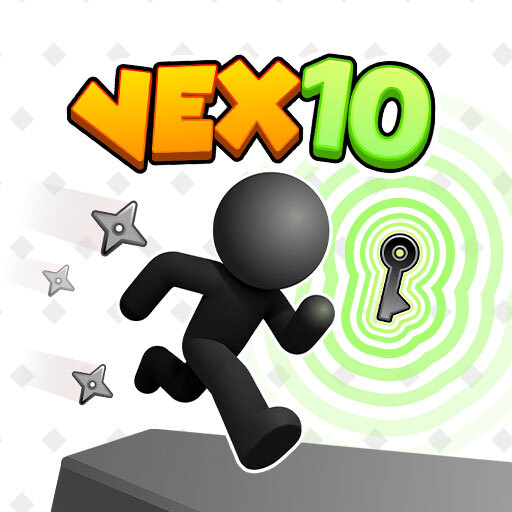








Vex 10: The Definitive Hardcore Stickman Parkour
Vex 10 represents the pinnacle of the world-famous Vex platformer series developed by Azerion. Stepping into the shoes of the agile stickman parkour master, players must navigate intricate obstacle courses packed with deadly traps, moving platforms, and high-speed acrobatics.
Master an extensive movement toolkit: sprint, slide under spinning buzzsaw blades, wall-jump up sheer vertical shafts, swing across ropes, fly with hang-gliders, and swim through submerged flooded labyrinths.
Conquer all standard Acts to unlock grueling Hard Mode challenges and collect hidden stars. With razor-sharp controls, instant checkpoint respawns, and thrilling level design, Vex 10 is an essential trial of skill for platforming fans.
How to play Vex 10
- Use WASD or Arrow Keys to run, jump, duck, slide, and climb up walls and poles.
- Slide while running at full speed to pass safely beneath low-hanging buzzsaws and laser grids.
- Wall-jump back and forth between adjacent vertical walls to scale high shafts and reach elevated platforms.
- Step on green checkpoint flags to save your progress, and reach the glowing portal to complete each Act.
Tips for winning and high scores
- Checkpoint flags turn green when touched; make sure to activate every checkpoint to avoid repeating difficult traps.
- In flooded underwater sections, watch your air meter and surface near air bubbles before your oxygen runs out.
- Executing a slide right before a jump gives you extended horizontal distance—vital for crossing extra-wide spike pits.
- Observe before moving: study the movement patterns of rotating saws and laser beams before committing to your sprint.
Chromebook Performance & Browser Architecture
Vex 10 is built for modern web browsers using hardware-accelerated HTML5 Canvas and WebGL graphics. By streaming compressed assets and running inside an optimized browser sandbox, it keeps memory usage low and frame rates steady at 60 FPS on managed school Chromebooks, Windows laptops, and classroom Wi-Fi networks.
Frequently asked questions
Is Vex 10 free to play?
Yes, Vex 10 is 100% free to play directly in your web browser on Blooket1 with no downloads, plugins, or sign-ups required.
Does Vex 10 run well on school Chromebooks?
Yes! It uses hardware-accelerated HTML5 and WebGL rendering designed to run smoothly at 60 FPS on managed school Chromebooks, Windows laptops, MacBooks, and tablets.
Is my game progress saved automatically?
Yes, your high scores, unlocked levels, and settings are saved automatically in your browser's local storage so you can pick up right where you left off.
How do I play if my school blocks this page?
Click the Stealth mode button in the top navigation bar to disguise your browser tab as Google Docs, Google Drive, or Classroom, launch Vex 10 inside an about:blank tab, or switch to one of our official alternate links like blooket1.pages.dev or educational.blooket1.com. You can also check our Guides & Tier Lists for more tips.