



Minesweeper: The Immortal Logic & Deduction Classic
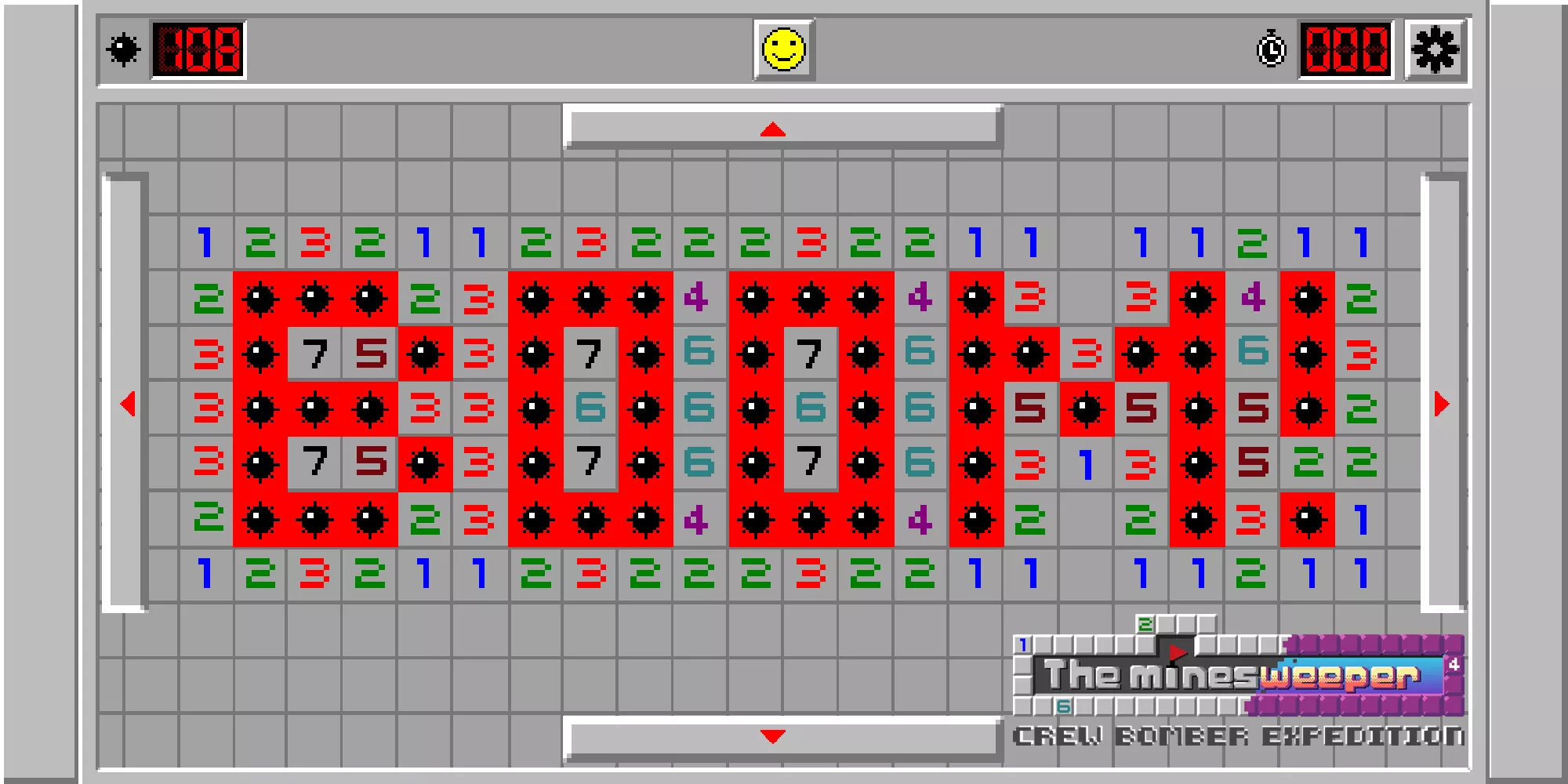
Minesweeper is the timeless single-player logic puzzle created by Curt Johnson and Robert Donner in 1989 that became a worldwide staple of computing. Your mission is to clear an unmined field without detonating a single submerged explosive mine.
Clicking a square uncovers what lies beneath: either a deadly mine (causing instant game over) or a number indicating how many mines are located in the adjacent eight surrounding squares. Empty squares cascade open in satisfying ripples of cleared tiles.
Using pure mathematical deduction and process of elimination, players flag suspected mines and deduce safe tiles. Play across Beginner, Intermediate, and Expert minefields to master one of the most intellectually rewarding games ever made.
How to play Minesweeper
- Left-click on any covered square to reveal it. Your first click is always guaranteed safe.
- Numbers indicate exactly how many hidden mines touch that specific square (horizontally, vertically, and diagonally).
- Right-click (or hold on mobile) to place a red flag on squares where you deduce a mine is hidden.
- Double-click (or click both mouse buttons) on a satisfied numbered square to quickly reveal all adjacent safe tiles.
Tips for winning and high scores
- The "1-1" pattern: if a 1 touches the border of the board and an adjacent 1 shares two uncovered squares, the third square is always safe.
- Use the double-click "chord" shortcut: once you have flagged all mines around a number, clicking it opens all remaining tiles instantly.
- Don't guess unless mathematically required; 99% of board situations can be solved through pure deductive reasoning.
- Work inward from the corners and edges where tile choices are most constrained and information is clearest.
Technical Overview & Chromebook Performance
Mine Sweeper rewards spatial reasoning, pattern recognition, and forward planning on every move. Built with lightweight HTML5 Canvas rendering and clean JavaScript state management, it launches in seconds over classroom Wi-Fi and runs effortlessly on managed school Chromebooks and laptops without taxing CPU or RAM resources.
Frequently asked questions
Is Mine Sweeper free to play?
Yes, Mine Sweeper is 100% free to play directly in your web browser on Blooket1 with no downloads, plugins, or sign-ups required.
Does Mine Sweeper run well on school Chromebooks?
Yes! It uses hardware-accelerated HTML5 and WebGL rendering designed to run smoothly at 60 FPS on managed school Chromebooks, Windows laptops, MacBooks, and tablets.
Is my game progress saved automatically?
Yes, your high scores, unlocked levels, and settings are saved automatically in your browser's local storage so you can pick up right where you left off.
How do I play if my school blocks this page?
Click the Stealth mode button in the top navigation bar to disguise your browser tab as Google Docs, Google Drive, or Classroom, launch Mine Sweeper inside an about:blank tab, or switch to one of our official alternate links like blooket1.pages.dev or educational.blooket1.com. You can also check our Guides & Tier Lists for more tips.