
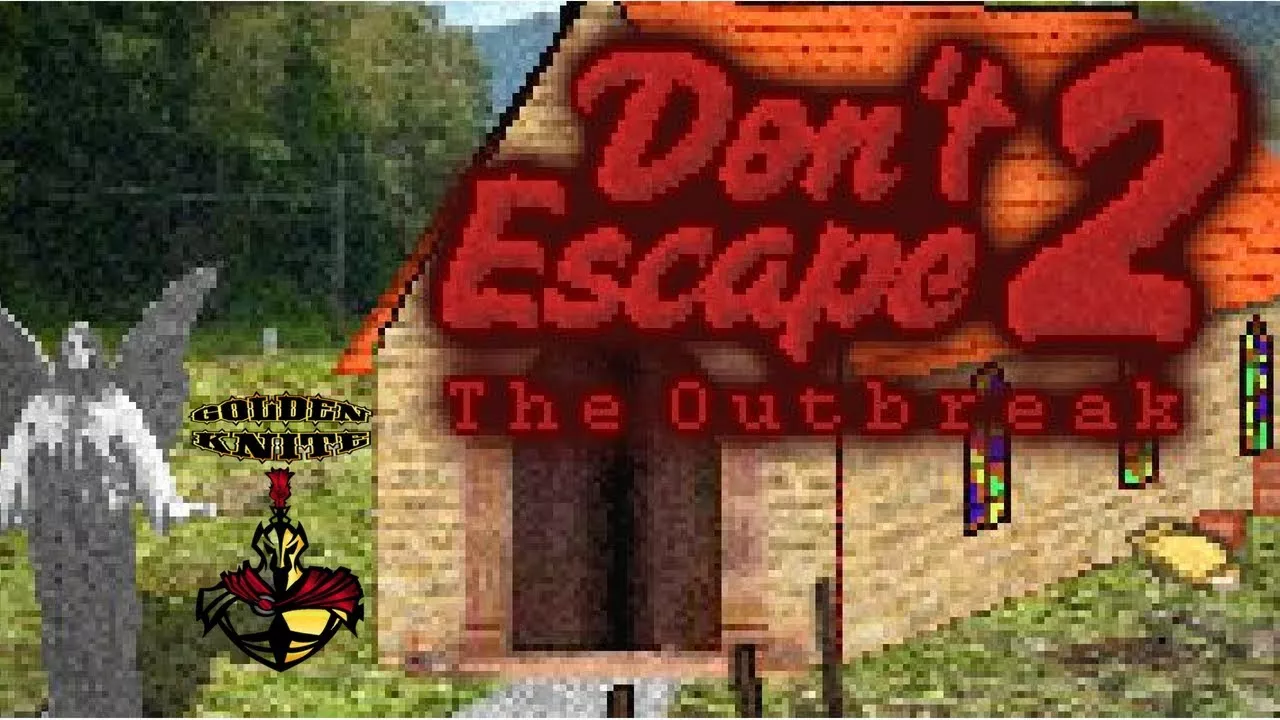

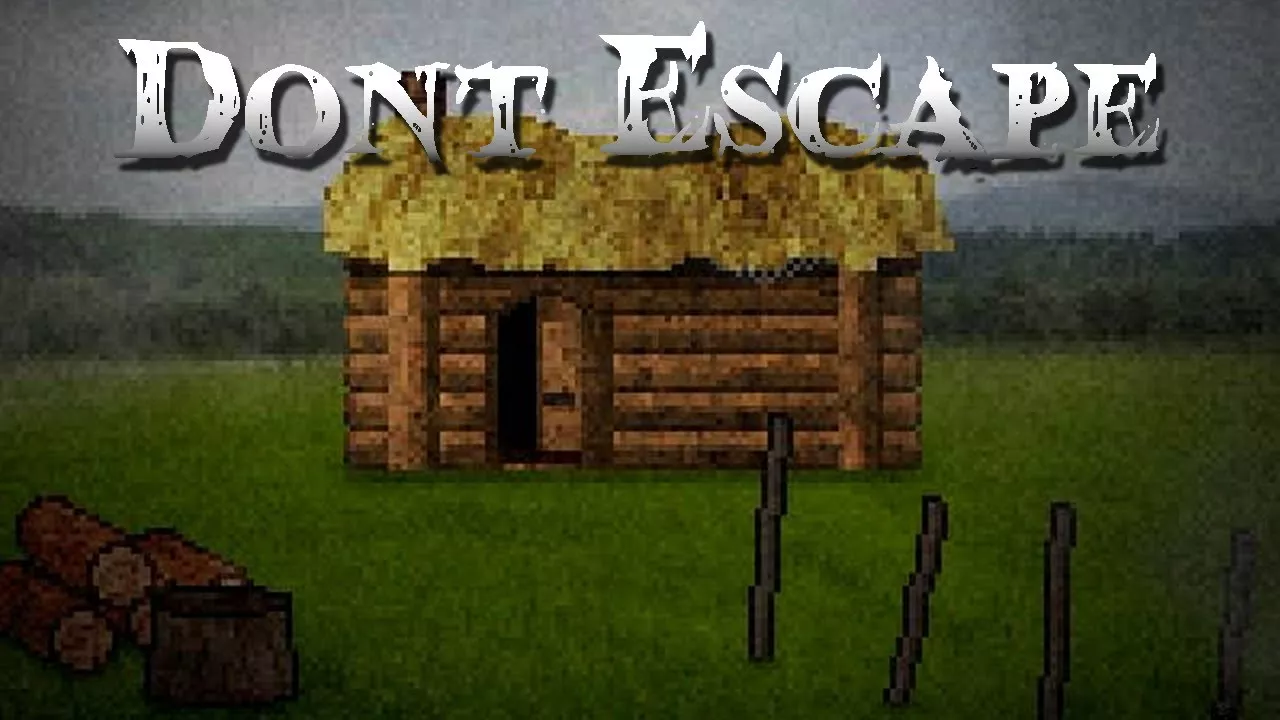


Don't Escape 2: Post-Apocalyptic Zombie Fortification
Don't Escape 2: The Forgotten Outpost is the thrilling second chapter in Scriptwelder's celebrated subversion of the escape genre. Set in a desolate post-apocalyptic world overrun by ravenous infected zombies, you and your partner Bill have found temporary shelter in an abandoned warehouse.
You have until sundown to prepare: a massive zombie horde is marching directly toward your outpost. Every action—traveling between locations, cutting wood, welding steel barricades, foraging for fuel—consumes precious in-game clock time.
Explore surrounding gas stations, residential ruins, and abandoned highways. Scavenge gasoline, barbed wire, generator parts, and weapons. Make agonizing tactical decisions on what to prioritize to ensure your shelter holds when night falls.
How to play Don't Escape 2
- Click to navigate the map, investigate abandoned buildings, and converse with other survivors.
- Collect materials (wood, steel, wire, gasoline, generator components) and manage inventory space.
- Monitor the in-game clock at the top of the screen; traveling and performing tasks consumes finite daylight time.
- Fortify warehouse doors, reinforce windows, electrify fences, and position defenses before the clock strikes 20:00.
Tips for winning and high scores
- Time management is paramount: plan your travel routes efficiently to minimize wasted hours on the road.
- Fix the electrical generator: an electrified perimeter fence drastically reduces zombie pressure on warehouse doors.
- Recruit helpful survivors like the sniper—their support during the night attack is invaluable for survival.
- Barricade both ground-level doors and upper catwalks; infected will find any unreinforced entry point.
Browser Architecture & Chromebook Compatibility
Dont Escape 2 challenges players with multi-step logic puzzles, observation, and sequential problem-solving rather than twitch reflexes. Built on lightweight HTML5 Canvas technology, it loads almost instantly over school Wi-Fi and uses very little system memory—making it ideal for quiet, lag-free play on managed school Chromebooks and laptops.
Frequently asked questions
Is Dont Escape 2 free to play?
Yes, Dont Escape 2 is 100% free to play directly in your web browser on Blooket1 with no downloads, plugins, or sign-ups required.
Does Dont Escape 2 run well on school Chromebooks?
Yes! It uses hardware-accelerated HTML5 and WebGL rendering designed to run smoothly at 60 FPS on managed school Chromebooks, Windows laptops, MacBooks, and tablets.
Is my game progress saved automatically?
Yes, your high scores, unlocked levels, and settings are saved automatically in your browser's local storage so you can pick up right where you left off.
How do I play if my school blocks this page?
Click the Stealth mode button in the top navigation bar to disguise your browser tab as Google Docs, Google Drive, or Classroom, launch Dont Escape 2 inside an about:blank tab, or switch to one of our official alternate links like blooket1.pages.dev or educational.blooket1.com. You can also check our Guides & Tier Lists for more tips.