





Fidget Spinner: Supercharged Speed Simulator
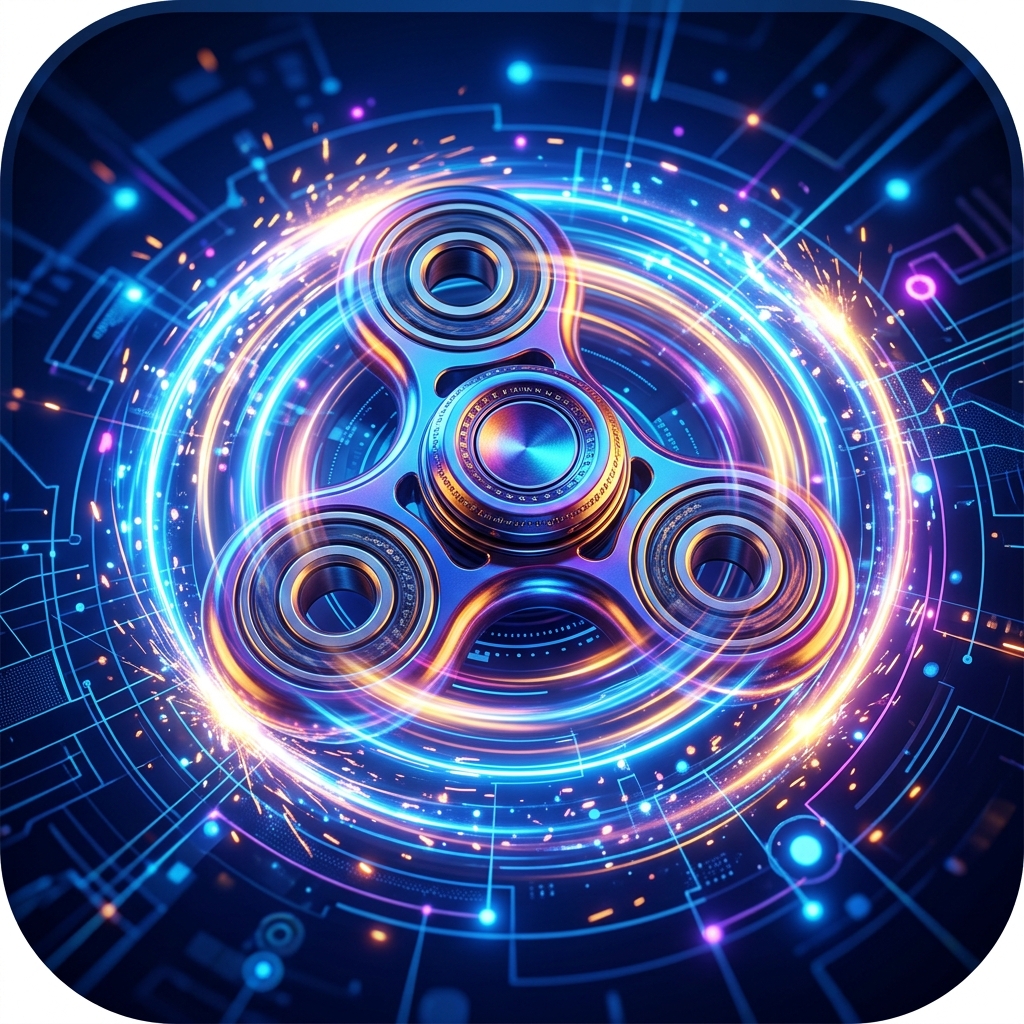
Fidget Spinner brings the worldwide tactile toy sensation to your web browser with supercharged arcade physics and satisfying upgrades. Swipe to launch your spinner into high-velocity rotation and watch the speedometer redline as your spinner whirs.
You get five powerful swipes per round to generate maximum kinetic momentum. The faster and longer your spinner rotates before coming to a stop, the more gold coins and experience points you bank.
Spend your earnings in the workshop to upgrade your ball bearings, apply synthetic lubricating oil to eliminate friction, and unlock dozens of stunning spinners including carbon-fiber, gold-plated, and glowing neon LED models.
How to play Fidget Spinner
- Click and drag swiftly across the spinner (or swipe on touchscreen) to start the rotation.
- You have 5 swipes per round—time your swipes in rapid sequence to max out the tachometer gauge.
- Earn coins based on total revolutions achieved before the spinner naturally comes to a complete rest.
- Visit the upgrades menu to purchase bearing upgrades, speed boosts, and reduced friction oils.
Tips for winning and high scores
- Use long, swift horizontal strokes across the full width of the screen to transfer maximum rotational torque.
- Upgrade your Lubricating Oil early; reducing friction increases the duration of each spin substantially more than raw swipe power.
- Unlock premium spinners as soon as possible—higher-tier spinners possess greater rotational mass and coin multipliers.
- Time your subsequent swipes when the spinner is already at peak velocity to stack compounding speed boosts.
Browser Performance & Local Storage Architecture
Fidget Spinner acts as a real-time resource management and compounding math simulator, tracking production rates, efficiency upgrades, and automated workflows in the background. Engineered in lightweight HTML5 and JavaScript with automatic localStorage persistence, it uses minimal CPU and memory so it can run smoothly alongside other tabs on school Chromebooks and laptops.
Frequently asked questions
Is Fidget Spinner free to play?
Yes, Fidget Spinner is 100% free to play directly in your web browser on Blooket1 with no downloads, plugins, or sign-ups required.
Does Fidget Spinner run well on school Chromebooks?
Yes! It uses hardware-accelerated HTML5 and WebGL rendering designed to run smoothly at 60 FPS on managed school Chromebooks, Windows laptops, MacBooks, and tablets.
Is my game progress saved automatically?
Yes, your high scores, unlocked levels, and settings are saved automatically in your browser's local storage so you can pick up right where you left off.
How do I play if my school blocks this page?
Click the Stealth mode button in the top navigation bar to disguise your browser tab as Google Docs, Google Drive, or Classroom, launch Fidget Spinner inside an about:blank tab, or switch to one of our official alternate links like blooket1.pages.dev or educational.blooket1.com. You can also check our Guides & Tier Lists for more tips.